


Manual
Read more about how Fietsknoop works.
Also watch our instruction videos in Dutch
Popular search terms
Search the manual
- Friends
What are Friends?
A Friend is someone who, like you, has a Fietsknoop account, with whom you share your own cycling and walking routes.
How to add a Friend?
Open the 'Friends' screen.
Click on the '+' symbol.


Type the name of the person you are looking for in the text box.

Answer 'yes' to the question whether you would like to invite this person and an automatic email will be sent to him or her.
After confirming the friendship, you can see each other's routes, provided they are set to share with 'Friends'.

See also the instructional video on this at www.fietsknoop.nl/videos.
- Where to find Friends' routes?
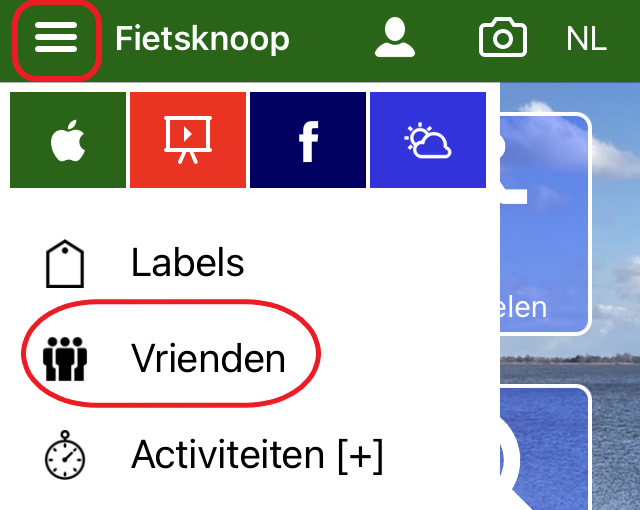
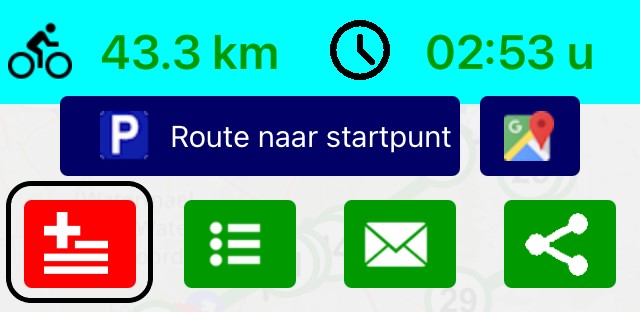
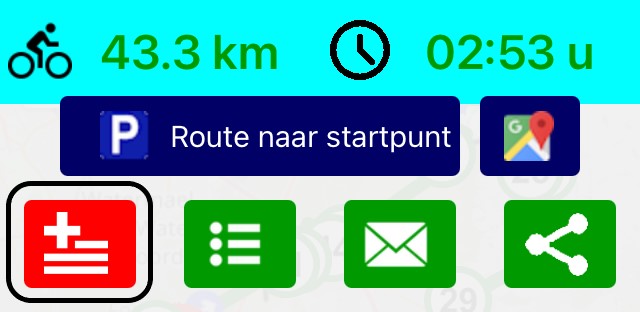
App: Open the Friends list from the left multi-selection menu. Click on the appropriate Friend, and the list of shared routes will be displayed. Click on a route to see it. Click the red button with the + sign to add the route to your own list of Routes.
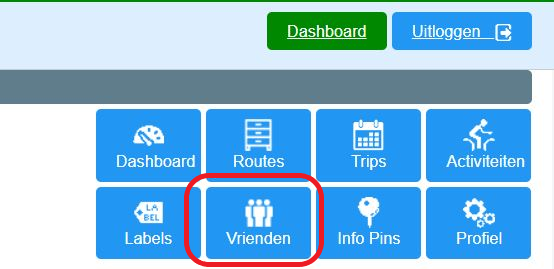
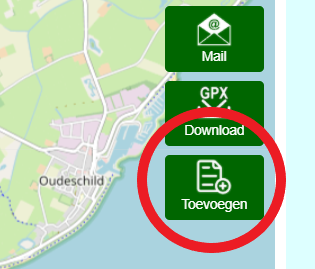
Website: Log in and click on the blue button Vrienden (= Friends), top right. Click on the appropriate Friend and the list of shared routes will be displayed. Click on a route to see it. Click the green button Toevoegen (= Add) to add the route to your own list Routes.
- Sharing routes with Friends or everybody
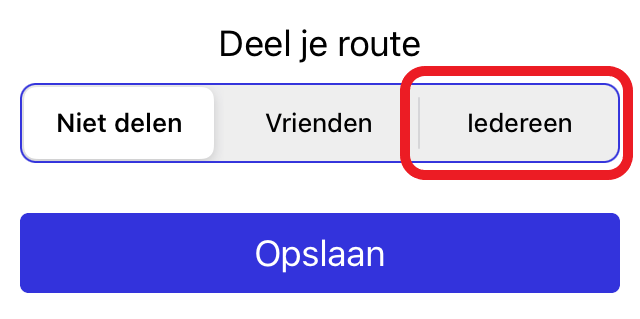
You can convert a saved route from 'Do not share', to 'Friends' or 'Everybody'.
In the app:
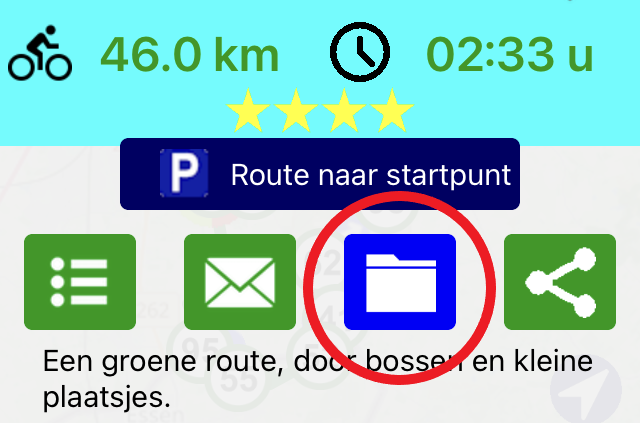
Open the route in your Routes list, and click on the archive icon on the overlay screen.
Indicate who the route is intended for and click on Save.
on the website:
log in to your account.
Click on the blue Routes button.
Open the desired route.
Click the Wijzigen (= Edit) button near the information above the route map.

Click 'met iedereen' (= Share route with everyone).
Click on 'Opslaan' (= Save).
The route has now been given a qr code. It can be scanned by others.
It may take some time before the route is visible in the public file of Fietsknoop (max. 1 hour).


- Sharing routes with one Friend
Share a route with one Friend, instead of all Friends.
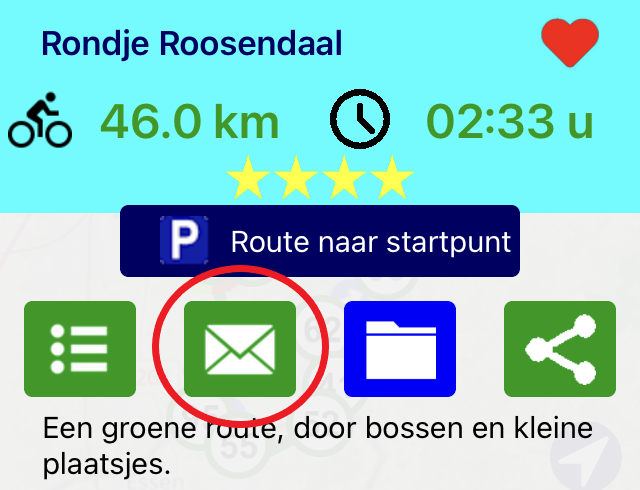
Open the route, and click on the envelope symbol on the overlay screen.
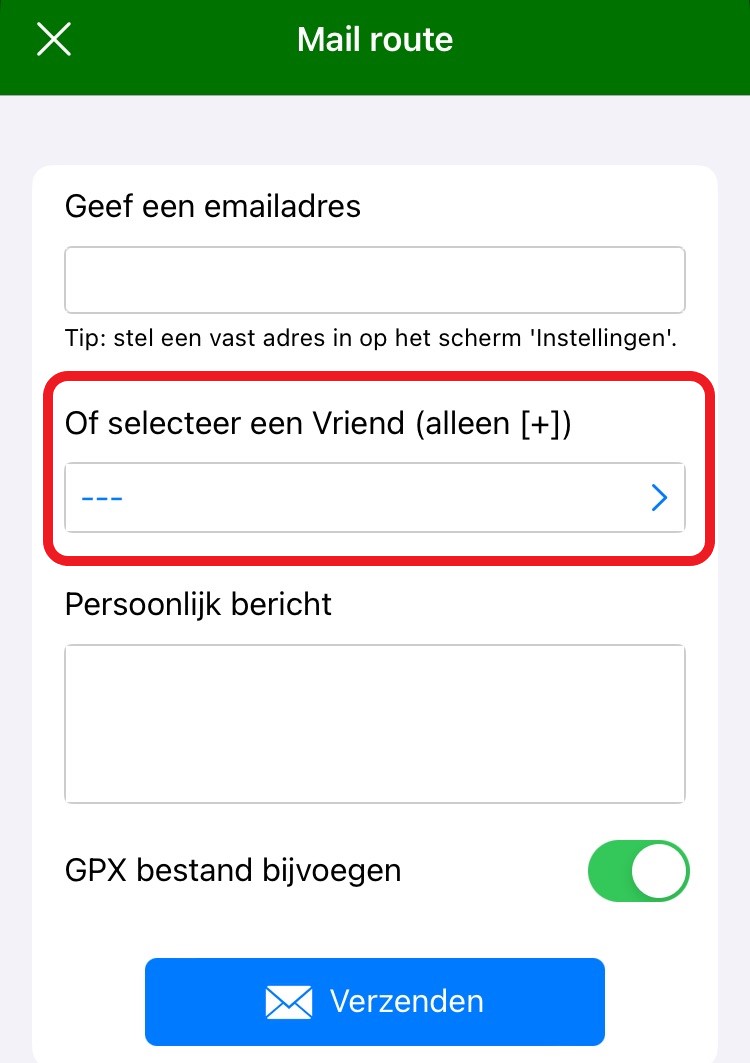
Choose the Friend's name and click the blue Send button.
The Friend will receive the route by email. There is a QR code below the list of nodes. The route can be opened by scanning this QR code. Then add the route to your own list of Routes by clicking on the red square button with the plus sign on the overlay screen.
Want to share your route with all Friends? Save the route as ‘share with Friends’, using the archive icon on the overlay screen. See manual item ‘Sharing routes with Friends or everybody'.
- Following someone on radar
Can someone follow me on radar?
Yes, but only if you give explicit permission to do so. No one can follow you without your knowledge, nor can they follow someone else without their knowledge.
What needs to be done to get someone to follow you?
Make sure you both have a Fietsknoop account with Fietsknoop[+]Plus and that you are Friends of each other (see also video about Friends).
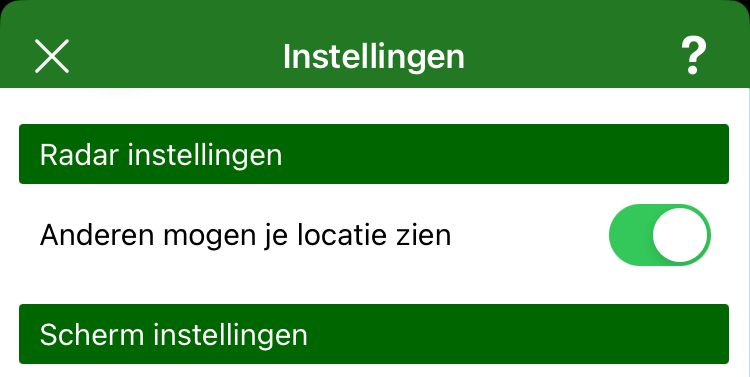
In 'Settings', turn Radar ON.
Cycle or walk your route and turn on the GPS.
On the Radar, your location with name is visible to your Friend.
NB: it may take a while before your location is visible during the route.
- Advertentie -