


Manual
Read more about how Fietsknoop works.
Also watch our instruction videos in Dutch! Instructievideo's
Sharing routes with Friends or everybody
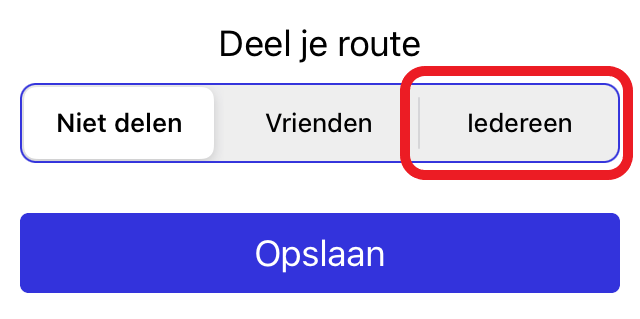
You can convert a saved route from 'Do not share', to 'Friends' or 'Everybody'.
In the app:
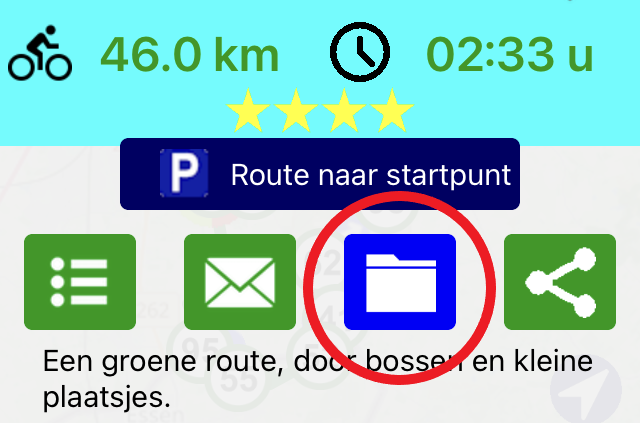
Open the route in your Routes list, and click on the archive icon on the overlay screen.
Indicate who the route is intended for and click on Save.
on the website:
log in to your account.
Click on the blue Routes button.
Open the desired route.
Click the Wijzigen (= Edit) button near the information above the route map.

Click 'met iedereen' (= Share route with everyone).
Click on 'Opslaan' (= Save).
The route has now been given a qr code. It can be scanned by others.
It may take some time before the route is visible in the public file of Fietsknoop (max. 1 hour).


#routes #share #friends #everybody
https://www.fietsknoop.nl/info/handleiding-item/99/1
- Advertentie -