


Manual
Read more about how Fietsknoop works.
Also watch our instruction videos in Dutch! Instructievideo's
Sharing routes with one Friend
Share a route with one Friend, instead of all Friends.
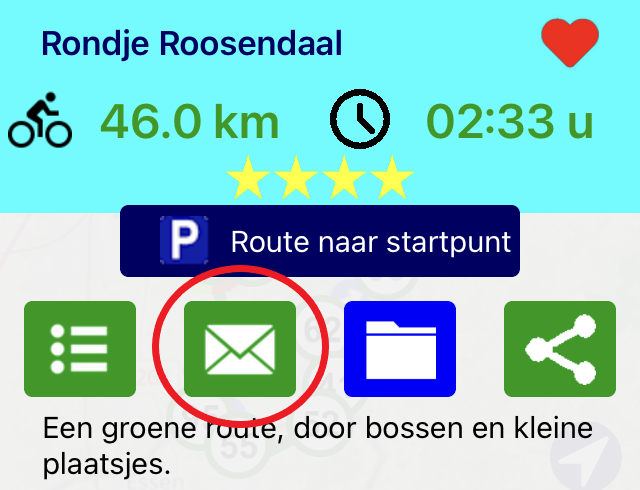
Open the route, and click on the envelope symbol on the overlay screen.
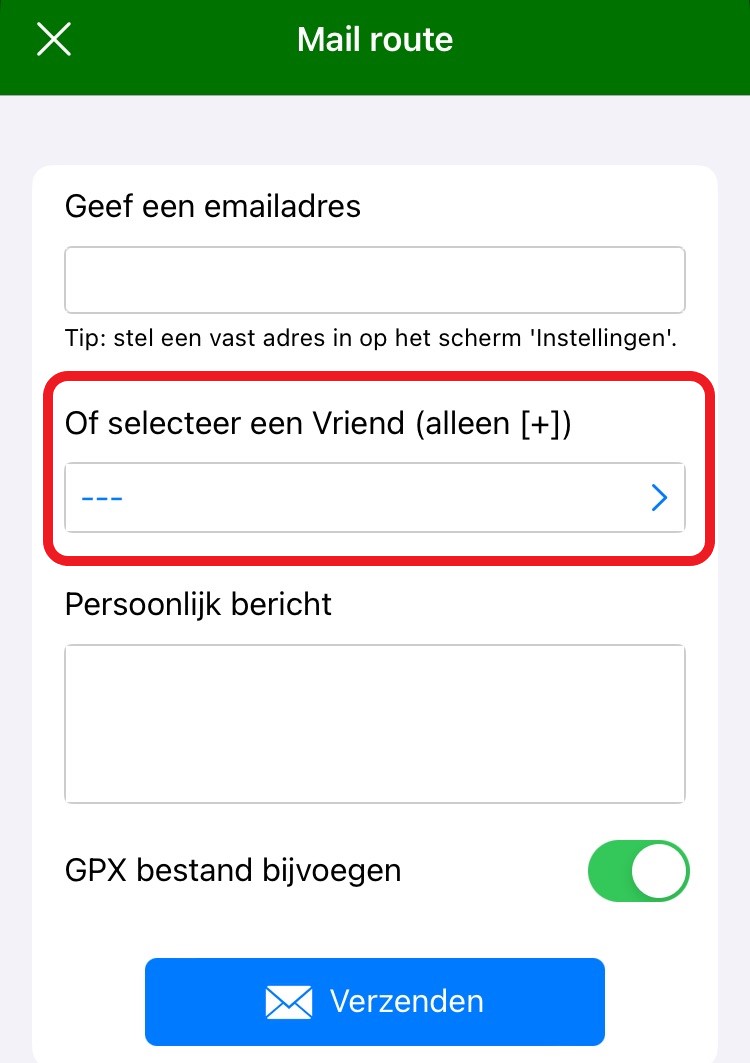
Choose the Friend's name and click the blue Send button.
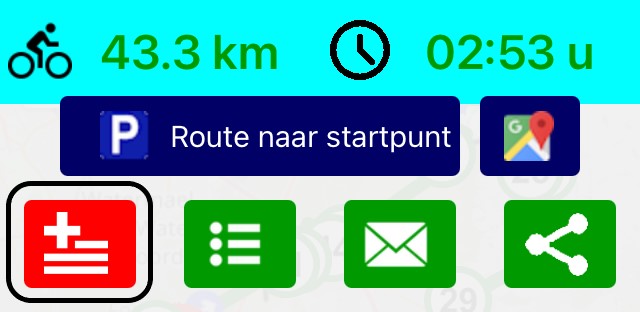
The Friend will receive the route by email. There is a QR code below the list of nodes. The route can be opened by scanning this QR code. Then add the route to your own list of Routes by clicking on the red square button with the plus sign on the overlay screen.
Want to share your route with all Friends? Save the route as ‘share with Friends’, using the archive icon on the overlay screen. See manual item ‘Sharing routes with Friends or everybody'.
https://www.fietsknoop.nl/info/handleiding-item/185/1
- Advertentie -