


Manual
Read more about how Fietsknoop works.
Also watch our instruction videos in Dutch
Popular search terms
Search the manual
- Place or street name reading
The node network is shown projected on the map. Sometimes the node or route line hides the place name or street name.
How to solve this?
In the app: Click on the 'eye' on the screen. There are three modes. Click once, and the node network becomes invisible. Click twice, and the route can be seen when it is opened. Click a third time, and the network is shown again on the map.
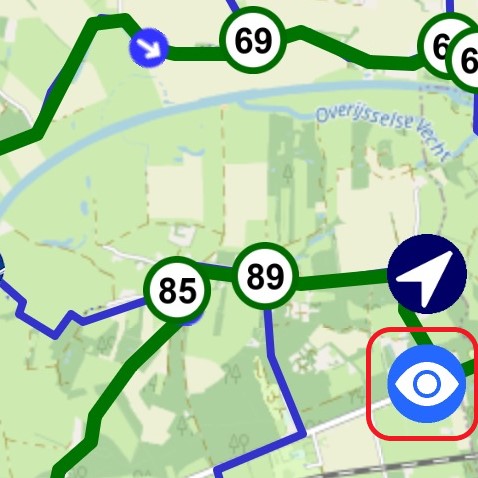
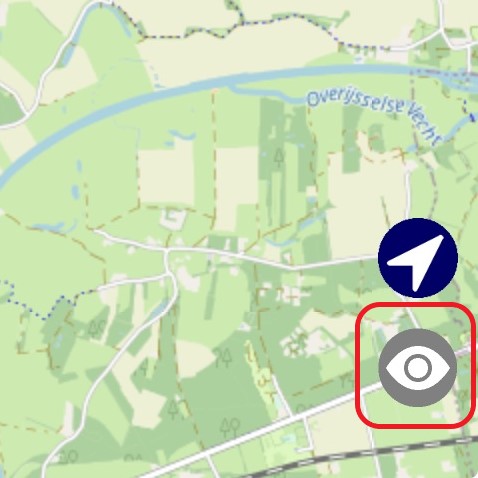
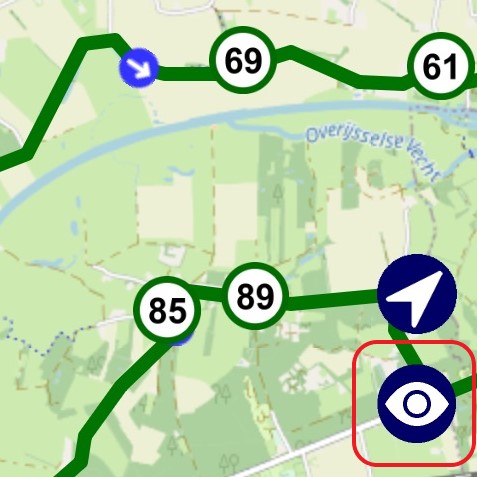
On the website: below the map you will find the option to make the node network invisible.
Click on the Network tab ('Netwerk'). Click again and the network is shown again.

NB: the website is only available in Dutch. With the help of your browser's automatic translation function, you may be able to translate the website.
- Advertentie -