
- Advertentie -


Manual
Read more about how Fietsknoop works.
Also watch our instruction videos in Dutch! Instructievideo's
Where to find Friends' routes?
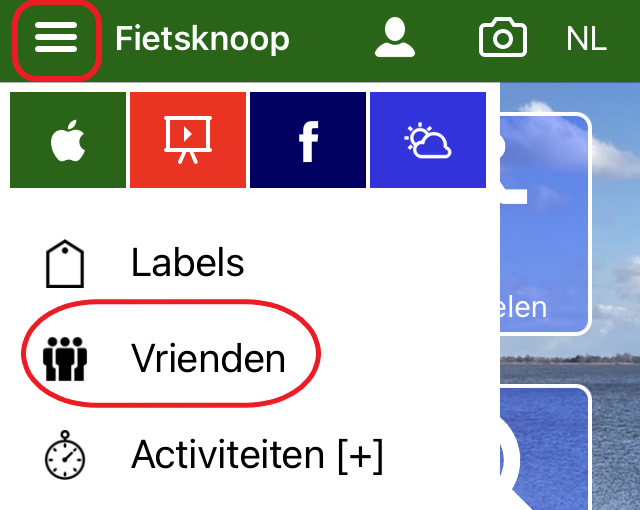
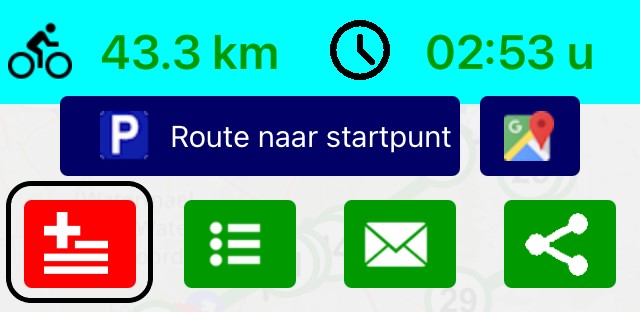
App: Open the Friends list from the left multi-selection menu. Click on the appropriate Friend, and the list of shared routes will be displayed. Click on a route to see it. Click the red button with the + sign to add the route to your own list of Routes.
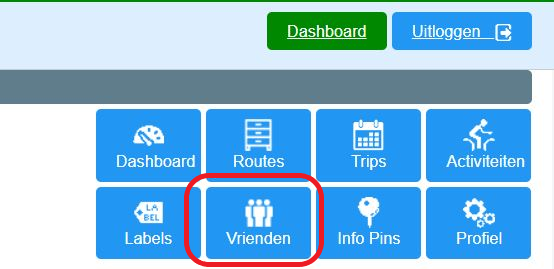
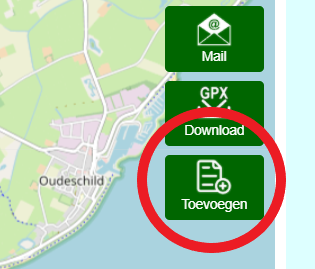
Website: Log in and click on the blue button Vrienden (= Friends), top right. Click on the appropriate Friend and the list of shared routes will be displayed. Click on a route to see it. Click the green button Toevoegen (= Add) to add the route to your own list Routes.
https://www.fietsknoop.nl/info/handleiding-item/192/1
- Advertentie -