


Manual
Read more about how Fietsknoop works.
Also watch our instruction videos in Dutch
Popular search terms
Search the manual
- Overview of all your own cycled or hiked routes
The website shows exactly which routes you have already walked or cycled, and which recordings you have made of them.
Log on to www.fietsknoop.nl/dashboard/inloggen.
Click on the blue 'Routes' button, then click on 'kaart' (= map).
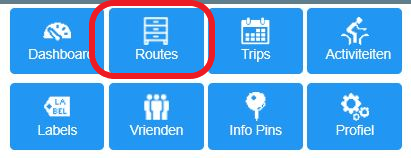
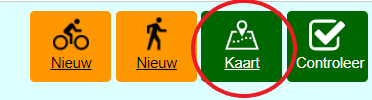
On the opened map, you will find a button 'all routes' and 'all recordings'.

This is also visible in the app. In the 'Routes' screen, click on the map symbol on the far right in the green top bar. On the next screen, the symbols for 'All routes' and 'All recordings' are visible in the top green bar. Click on these.
Only for Fietsknoop[+]Plus
NB: The website is only available in Dutch. With the help of the automatic translation function of your browser, it may be possible to convert the website to the desired language.

- Used nodes [+]
With a Plus account, you can quickly see on the planning screen which nodes you have already used in your saved routes.
App:
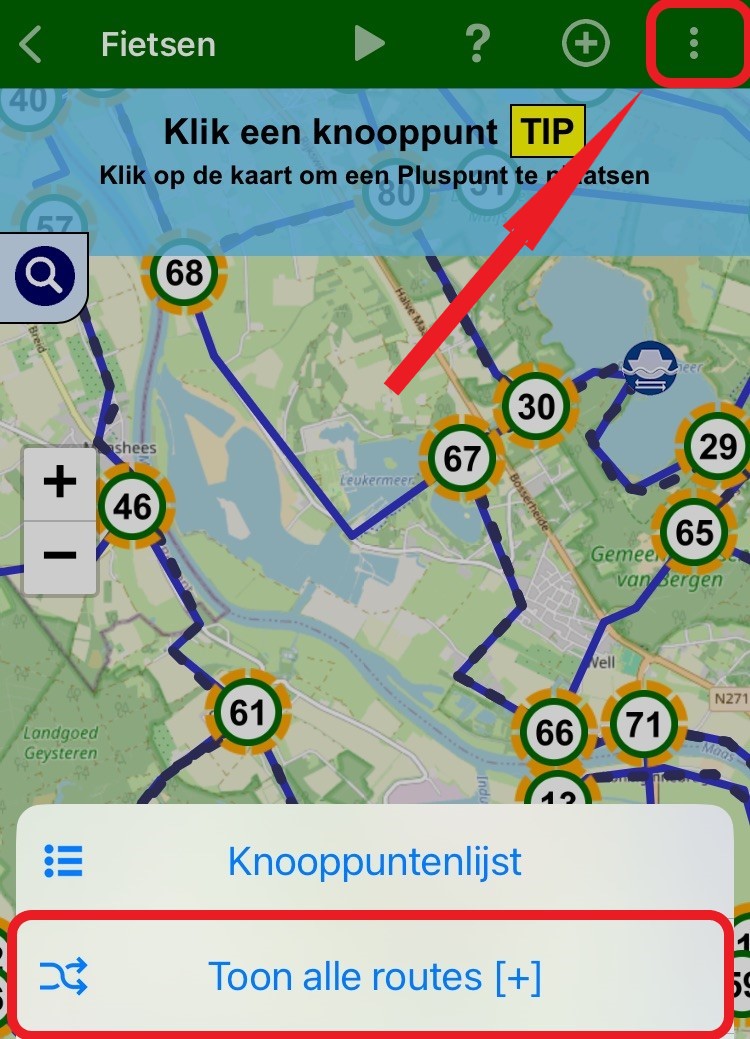
Open the planning screen. Click the multiple-choice menu at the top right (the three white dots). Select Show all routes [+].
On the map, you see the previously used nodes with a yellow highlight, and your saved routes as black dotted lines.
Website:
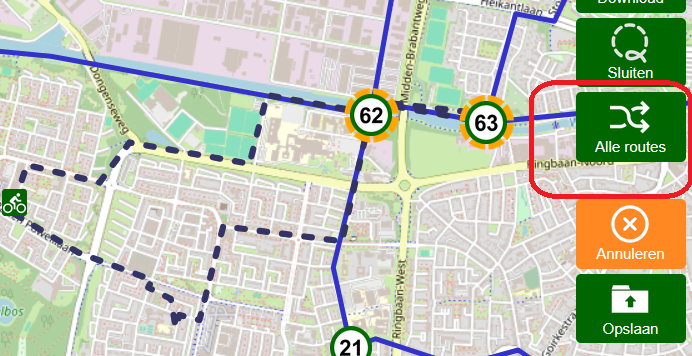
Log in to your account on the website and open the planning screen. To the right of the map there are several green buttons.
Click on ‘Alle routes (= All routes)’ and on the map you will see previously used nodes with yellow shading and your saved routes as black dotted lines.
- Advertentie -