


Manual
Read more about how Fietsknoop works.
Also watch our instruction videos in Dutch
Popular search terms
Search the manual
- Creating routes without nodes, an Activity
Fietsknoop is a digital planner for planning routes along the official nodes. Without an account, or with a basic account, only this network can be used. Anyone with a Fietsknoop[+]Plus account can create their own routes, as gpx tracks.
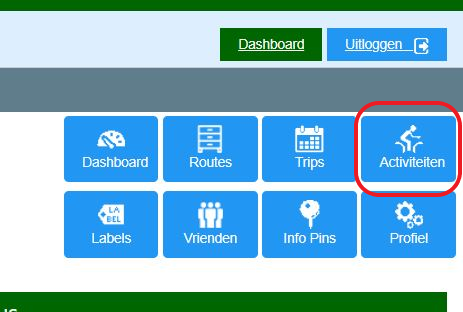
Go to the website and log in to your account. Click on the blue button 'Activiteiten' (= Activities) and choose 'Fietsen' (= Cycling) or 'Wandelen' (= Walking).
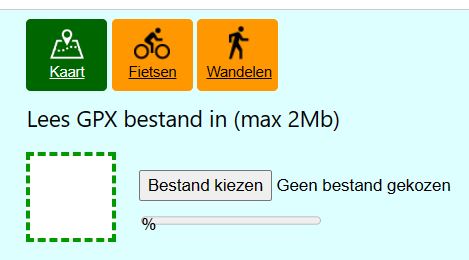
On the map, click with the mouse on the spot where you want to start the route. Click anywhere else and Fietsknoop will create the shortest route between the two points using the existing paths. Drag a point if you want to change the route.
Save the route and use it as an 'Activity'. As the route does not run through the nodes, no voice support is possible.
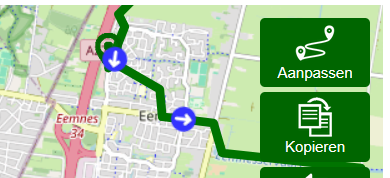
Want to edit the saved gpx track, the Activity, afterwards? Open the Activity on the website. Click the Aanpassen (=Modify) button at the top right of the map.
- Advertentie -