
- Advertentie -


Manual
Read more about how Fietsknoop works.
Also watch our instruction videos in Dutch
Popular search terms
route gpx nodes download plus update dns fietsknoop-plus android vpn add qr-code googlemaps reload speed share friends adjust account-number used_nodes data-consumption eye plus-nodes gps place length pause purchase all-recordings cache qr photo apple profile sort ajust read parking stop ebike map iwatch create settings save charging-points server bar closed-route search
Search the manual
- Routes
- Adjusting route details in the app
App:
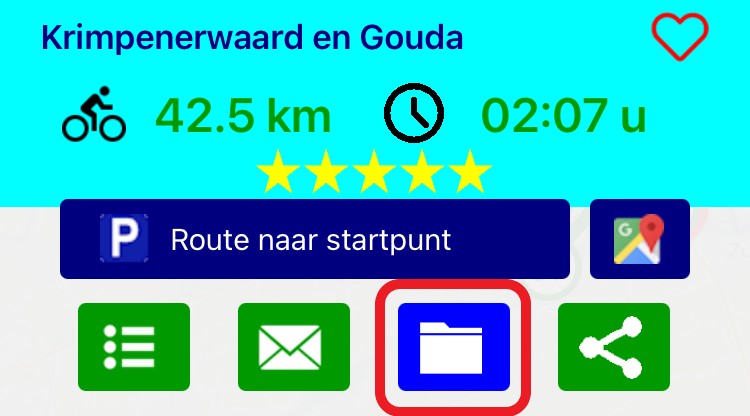
Open the appropriate route in the 'Routes' list. Click the archive icon on the overlay screen.
Adjust the data, or add a description and save.
Return to the 'Routes' list and refresh the screen if necessary by pulling it down.
Now the information has been saved properly.
- Advertentie -