
- Advertentie -


Manual
Read more about how Fietsknoop works.
Also watch our instruction videos in Dutch
Popular search terms
route gpx nodes download plus update dns fietsknoop-plus android vpn add qr-code googlemaps reload speed share friends adjust account-number used_nodes data-consumption eye plus-nodes gps place length pause purchase all-recordings cache qr photo apple profile sort ajust read parking stop ebike map iwatch create settings save charging-points server bar closed-route search
Search the manual
- Fietsknoop[+]Plus
- Add and remove Plus nodes
Above the planner map on the website, you can indicate whether you want to place Plus nodes yourself (left) or whether you want to place your Fixed Plus nodes (right)

In the app:
On the Settings screen, you will find the option Use Plus nodes [+].
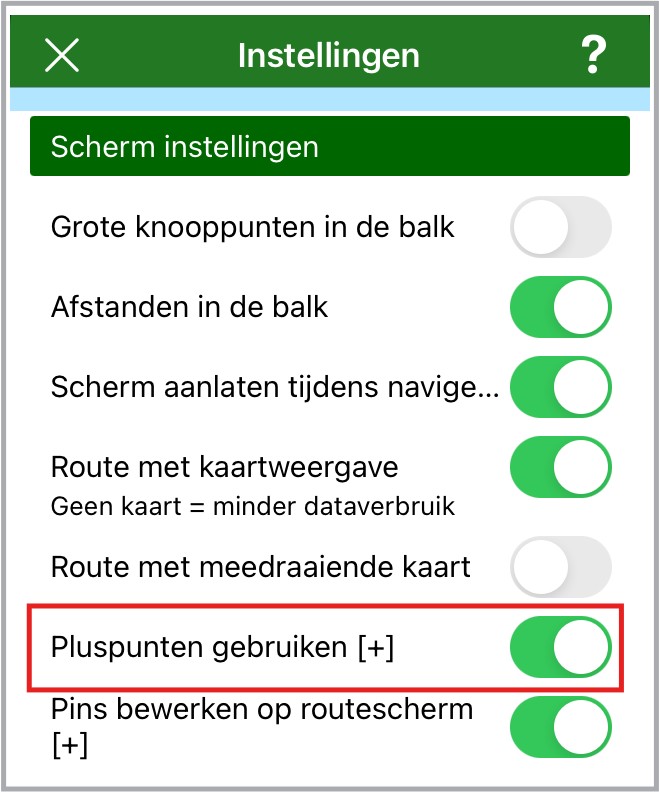
Click on the planning screen to add a Plus node.

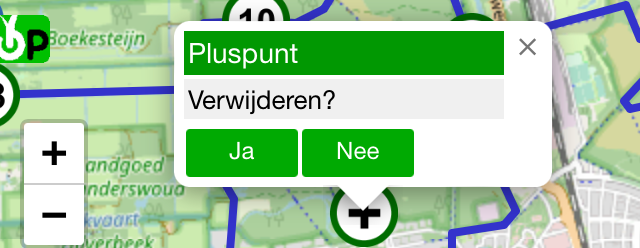
Quickly double-click the Plus node to remove it.
Click the + sign in the green bar to put the Fixed Plus nodes in the app on the planning screen.

- Advertentie -