
- Advertentie -


Manual
Read more about how Fietsknoop works.
Also watch our instruction videos in Dutch
Popular search terms
route gpx nodes download plus update dns fietsknoop-plus android vpn add qr-code googlemaps reload speed share friends adjust account-number used_nodes data-consumption eye plus-nodes gps place length pause purchase all-recordings cache qr photo apple profile sort ajust read parking stop ebike map iwatch create settings save charging-points server bar closed-route search
Search the manual
- Account
- Register and make an account website
Register via www.fietsknoop.nl/fietsknoop/registreren. You will immediately receive an e-mail asking you to confirm your registration. This is to prevent misuse of your e-mail address.
Choose a unique Fietsknoop name. For example, add a punctuation mark or number.
- Register and create account in the app
Open the app.
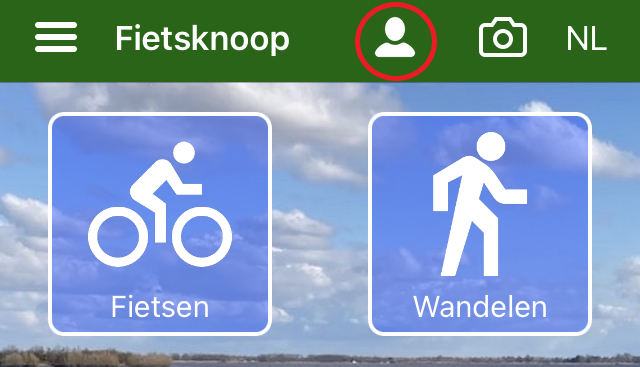
Go to 'Account'.
Click on 'Create a Fietsknoop account'.
Fill in the correct information and click on the blue bar 'Send'. You will receive an email with a pin code for verification. Enter the code on the same screen in 'Account'.
NB: choose a unique Fietsknoop name. Provide it with e.g. a punctuation mark or a number.
- Advertentie -