
- Advertentie -


Manual
Read more about how Fietsknoop works.
Also watch our instruction videos in Dutch
Popular search terms
add gpx recording nodes box mountainbike upload eye purchase filters qr-code googlemaps data-consumption email-address photo app paved adjust info-pin ajust plus bike-navigation friends save read details enlarge sort qr parking fietsknoop-plus node account-number share length racebike change record resize account bar route reverse info secure no-map free iwatch gps activity
Search the manual
- Routes
- Adjusting route details on website
Website:
Log in to www.fietsknoop.nl/dashboard/inloggen.
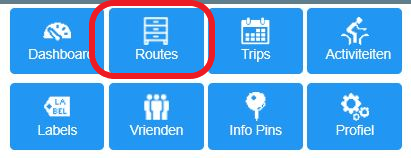
Click on the blue Routes button, top right.
Open the appropriate route.
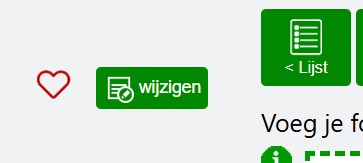
Click the 'wijzigen' (= modify) button in the green area above the map.
Adjust the data and save.

It is possible to save data with a route that is visible only to yourself, such as a rating of your own route and a private note. This data will be invisible to others, even if the route is saved as ‘share with everyone’ and thus can be found in the public route file.
NB: The website is only available in Dutch. With the help of the automatic translation function in your browser, it may be possible to translate the website.
- Advertentie -