


Manual
Read more about how Fietsknoop works.
Also watch our instruction videos in Dutch
Popular search terms
Search the manual
- Change account details
App:
On the 'Account' screen, your account details can be seen and changed.
Click on the dark blue 'Profile' button to change your Fietsknoopname, to add a profile picture or to change the password or email address.
Here you can also indicate whether you would like to receive the newsletter.

Website:
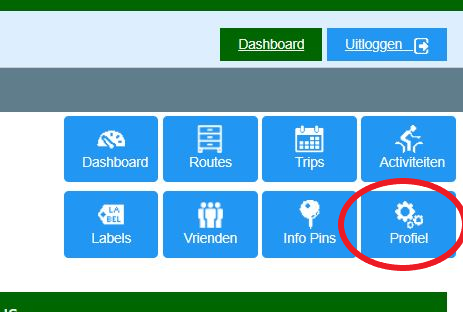
Log in at www.fietsknoop.nl/dashboard/inloggen. On your own page, select the blue 'Profiel' button. On the new page you can change your name, your email address, your password and upload your profile picture, and you can also indicate whether you would like to receive the newsletter.
NB: the website is only available in Dutch.
#account #profile #picture #password #email-address #newsletter
- Advertentie -