


Manual
Read more about how Fietsknoop works.
Also watch our instruction videos in Dutch
Popular search terms
Search the manual
- Info pins
Use info pins to place your own markers on the map. Possible with Fietsknoop[+]Plus.
App
Log in and go to the 'Info pins' screen.
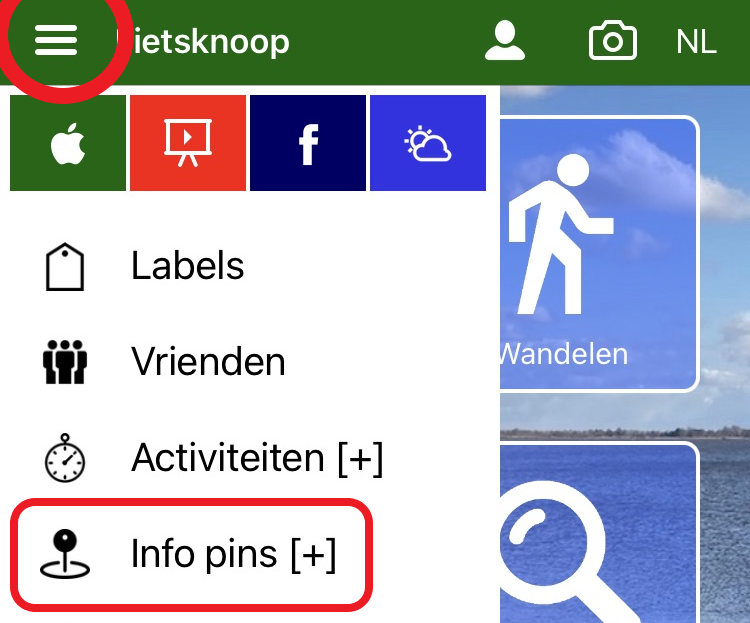
Click on the correct spot on the map (via the blue location button at the bottom right, or type in an address in the text box at the top). Click on the map and the pin is placed. Enter a text, more info if you wish, and save it.
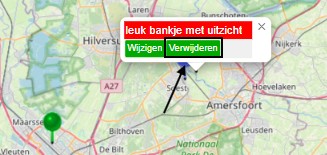
You can move the info pin elsewhere by sliding. Would you like to delete the info pin? Click on the info pin. A pop-up window will appear. Select 'Delete'.
Website
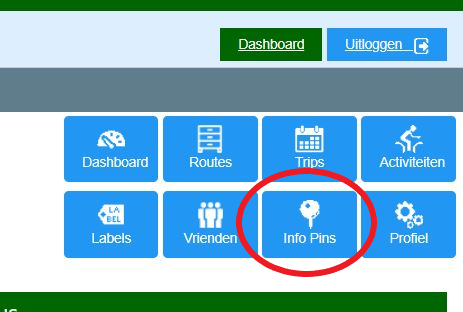
Log in and click on the blue Info Pin button on your own page. The procedure is the same as described for the app.
See also the instruction video at www.fietsknoop.nl/videos.
- Advertentie -