
- Advertentie -


Manual
Read more about how Fietsknoop works.
Also watch our instruction videos in Dutch! Instructievideo's
Share routes on social media
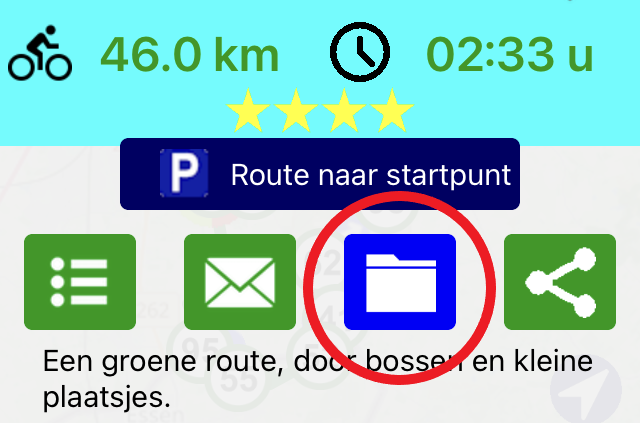
Open your route in the app, from your Routes list. On the overlay screen, click on the social media share symbol:

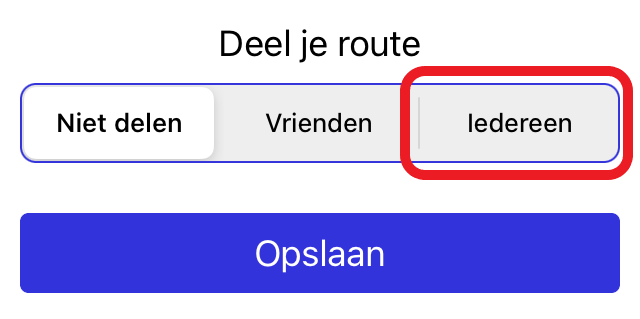
Is this symbol not on your route's overlay screen? Then the route is still 'private'. Adjust this by clicking the archive symbol and changing the route to 'Everybody'.
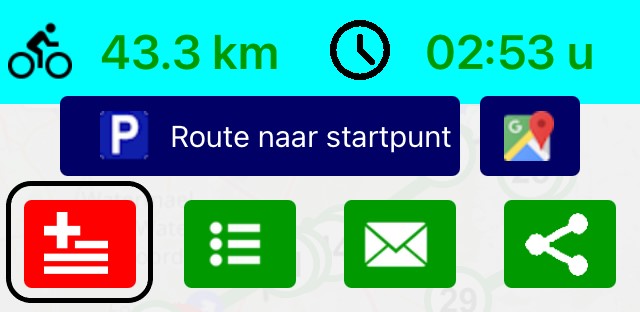
The recipient can open the route in Fietsknoop and, if desired, add it directly to his or her own Routes list by clicking on the red square button with the + sign.
#share #routes #socialmedia #facebook #instagram #whatsapp #signal
https://www.fietsknoop.nl/info/handleiding-item/88/1
- Advertentie -